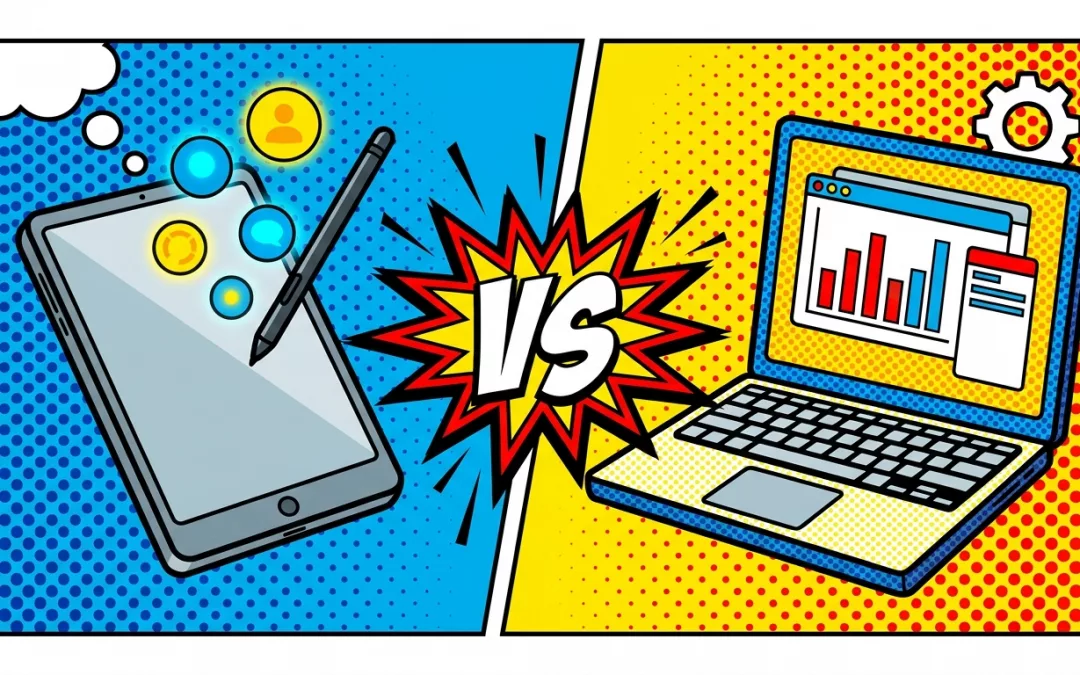
iPad or laptop – which makes you more productive in business? The answer depends less on the device than on your tasks. Knowing this saves money and spares you from carrying two devices around unnecessarily.
In short: The iPad shines for mobility, battery life, notes and presentations. The laptop stays stronger for multitasking, specialised software and heavy typing. For many tasks an iPad with a keyboard is now enough – what matters is your work profile.
iPad vs. Laptop: the comparison at a glance
| Criterion | iPad | Laptop |
|---|---|---|
| Mobility & weight | Very light, instantly ready | Heavier, classic notebook |
| Battery life | Usually longer, often a full day | Device-dependent, often shorter |
| Input | Touch & Apple Pencil, keyboard optional | Keyboard & trackpad/mouse |
| Software | Apps (mobile-optimised) | Full desktop programs |
| Multitasking | More limited | Stronger (multiple windows & programs) |
| Handwriting & notes | Very strong (Apple Pencil) | Hardly any |
| Best for | Meetings, notes, presentations, reading | Data analysis, layout, development, heavy writing |
When is the iPad the better choice?
The iPad plays to its strengths when you are on the move: light, instantly ready, long battery life and optionally with mobile data. It is ideal for meetings, handwritten notes with the Apple Pencil, presentations at the customer and reading documents.
When is the laptop the better choice?
The laptop stays ahead when you use several programs at once, work on large spreadsheets, do layout, write code or type a great deal. Full desktop software and flexible file management are still superior here.
The smart combination
Many professionals use both deliberately: the laptop for focused work at the desk and the iPad for meetings and life on the move. Once you know your main tasks, you can often reduce to one device – or split the two sensibly.
Frequently Asked Questions
Can an iPad replace a laptop in business?
For many tasks, yes: email, scheduling, notes, presentations, video calls and Office apps run smoothly. For specialised software or extensive spreadsheet or layout work, the laptop often remains superior.
Do I need a keyboard for the iPad?
For longer texts, yes. With a keyboard and optionally a trackpad, the iPad becomes a full writing device; for notes and reading, the touchscreen is enough.
What can the laptop do that the iPad cannot?
Above all, true multitasking with many programs, full desktop software (such as complex Excel macros or development environments) and extensive file management.
Is the iPad more expensive than a laptop?
It depends on the model. An iPad with a keyboard and Apple Pencil can approach the price of a good notebook – the key question is whether you need one device or two.
Which is better for field sales?
Usually the iPad: light, long battery life, mobile data and ideal for presentations at the customer site. For office roles with a lot of spreadsheet or writing work, the laptop wins.
Conclusion
iPad and laptop are not an either-or question but a question of purpose. Clarify your main tasks first – then it quickly becomes clear whether one device is enough or the combination is the most productive.