Key Takeaways
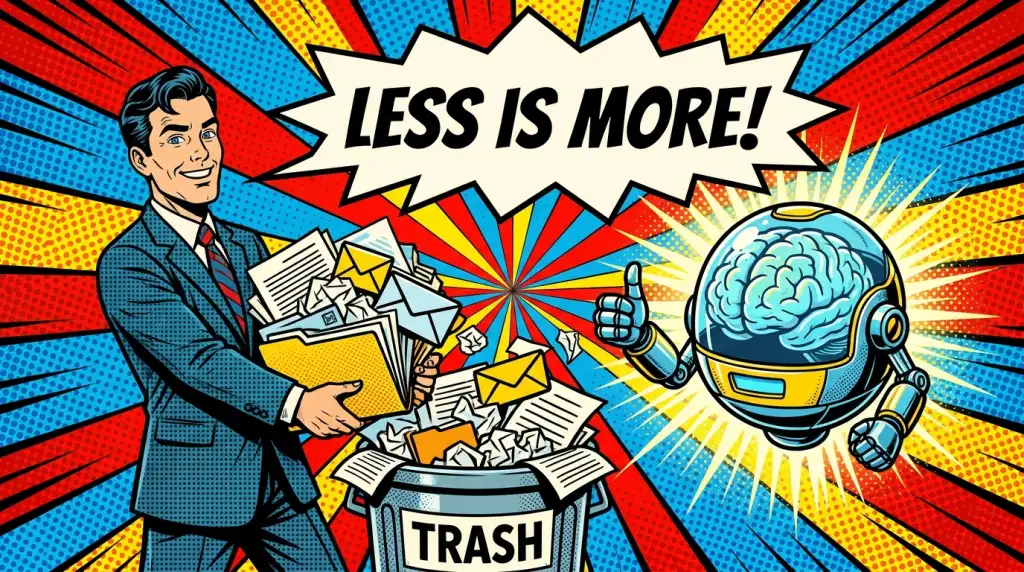
- Less is more — also for AI: The more outdated data sits in a mailbox or folder, the less reliable an AI's answers become. AI is a probability machine and reaches for what is most frequent, not what is most current.
- Delete instead of hoard: Delete incoming emails right after you reply; only the last, case-closing email contains the full history anyway.
- The 1-2 method by Tiki Küstenmacher: Whenever you file an item in a folder, delete at least two old items from that same folder.
- Fewer sources, fewer hallucinations: AI agents and tools such as NotebookLM or Gemini Gems deliver better results when they only access current, relevant sources.
- Structure beats search: Over 25% of working time is lost to searching. The answer is not to let AI search, but to keep less.
Why less is more — even for AI
When it comes to artificial intelligence, we tend to assume that more data automatically means better results. The opposite is often true. An AI works with probabilities: it looks for the most likely answer based on what appears most frequently in the data you give it. If most of that data is outdated, the AI is statistically pushed toward the wrong answer.
The email ping-pong problem
Picture a typical email thread: you write, someone replies, back and forth, until you have ten emails on a single matter. The newest email already contains the entire history underneath it. If you keep the other nine — none of which are case-closing — a manual search now has a nine-to-one chance of landing on the wrong version. An AI faces the same odds: nine outdated states versus one current one. Keeping old, superseded versions simply makes it harder for both humans and machines to find the truth.
Delete as you go: the 1-2 method
The moment you answer an email, delete the incoming one — unless it carries an attachment you still need. For filing, use the 1-2 method taught by Tiki Küstenmacher, co-author of Simplify Your Life: every time you move an item into a folder, delete at least two old items from that folder. Applied consistently, your data shrinks over time instead of growing endlessly. The same logic applies to knowledge bases: when a new McKinsey "State of AI" arrives, delete last year's version so your AI agent only sees the current data.
Fewer sources, fewer AI hallucinations
Just as you can overwhelm a colleague with too much information, you can confuse an AI. Tools like NotebookLM let you feed in a defined set of sources and chat only against them. Connect that notebook to a Gemini Gem — a custom chatbot, similar to a GPT — and you can instruct the model to draw strictly on that curated knowledge instead of hallucinating freely. The question is never "what else can we add?" but "what can we leave out?" A great talk, like a clean dataset, is finished not when nothing more can be added, but when nothing more can be removed.
Communicate in Teams channels, not chats
Where possible, replace internal email with Microsoft Teams — and replace, not add. The paid Microsoft Copilot can even access Teams conversations. Crucially, communicate in channels rather than chats. A file shared in a chat creates an individual OneDrive share that almost nobody ever revokes — a compliance risk. In a channel, access is tied to team membership: remove someone from the team and they instantly lose access to messages, files, Planner boards, and notebooks.
Let the system handle versioning
Physical systems used to be self-limiting: a desk, a mailbox, or a 36-exposure film roll filled up and forced you to tidy. Digital storage feels unlimited until IT calls to say your mailbox is full. In the Microsoft 365 world you no longer need to save manual versions: version history is built in, so you can always see who changed what and roll back to an earlier state. Manual version copies only create clutter and make retrieval harder.
Mentioned Tools & Resources
- NotebookLM – Google's AI note-taking app, into which you feed your own sources to chat with them and create content.
- Google Gemini & Gems – Gems are like GPTs: custom chatbots that draw on defined knowledge, ideal when linked to a NotebookLM notebook.
- Microsoft Copilot & Teams – The paid Copilot can access Teams conversations; communicating in channels instead of chats keeps permissions and compliance clean.
- Simplify Your Life – Book by Tiki Küstenmacher and Prof. Dr. Lothar Seiwert; the origin of the 1-2 method presented here.
Frequently Asked Questions
Why does AI deliver worse results when there is too much data?
AI works with probabilities: it looks for the most likely answer and orients itself toward what occurs most frequently. If there are nine outdated emails and only one current one, the outdated information has the statistical advantage. Less data, but current data, therefore leads to more reliable results.
What is the 1-2 method and how does it help with tidying up?
The 1-2 method comes from Tiki Küstenmacher: whenever you file an item — for example an email into a subfolder — delete at least two old items from that same folder. This way your data set continuously shrinks instead of growing ever larger.
How do I reduce AI hallucinations with my own documents?
Restrict the AI to a few clearly defined and current sources. Tools like NotebookLM, or a Gemini Gem linked to a notebook, then access only that verified knowledge instead of hallucinating freely. Delete old versions of studies or move them into separate archives.
Should I delete old emails before using AI in my mailbox?
Yes. Before an AI assistant accesses your mailbox, tidying up pays off: delete incoming mails after replying, let newsletters archive automatically, and keep only the case-closing state. This noticeably improves the AI's hit rate.
Why are Teams channels better than the Teams chat?
Files shared in a chat create individual OneDrive shares that hardly anyone ever removes — a compliance risk. In channels, access rights are tied to team membership: whoever is removed from the team automatically loses access to messages, files, Planner boards, and notebooks.
Do I still need to save versions manually?
Not in the Microsoft 365 world. Versioning is built in: you can see who changed what and when, and roll back to an earlier version at any time. Manual version copies only create unnecessary data clutter and make retrieval harder.
Conclusion
Studies show that we waste over 25% of office working time on searching. The fix is not to point AI at the mess, but to create less mess in the first place. Delete more consistently, keep only current and relevant data, and both you and your AI will find the right answer faster. Less really is more. If you need inspiring talks, C-level sparring, or training on this topic, feel free to get in touch.